How to Automate Pinterest for Your Etsy Shop
Learn how to automate Pinterest for your Etsy shop. Save 4-6 hours per week with smart scheduling, AI captions, and automated pin creation.
How to Automate Pinterest for Your Etsy Shop
Here's a number that should make you uncomfortable: most Etsy sellers doing Pinterest marketing manually spend 5-8 hours per week on it. That's creating pins in Canva, writing descriptions, researching keywords, scheduling posts, and checking analytics. For a solo seller, that's practically a full workday gone.
The good news is that most of that work can be automated without sacrificing quality. The key is knowing what to automate, what to keep manual, and how to set up a system that runs without constant attention.
What Pinterest Work Can Be Automated
Not everything should be automated. Let's sort the tasks.
Fully Automatable
Pin scheduling. This is the obvious one. Instead of manually posting pins throughout the day, you batch-create and schedule them in advance. Every scheduling tool handles this. The key is scheduling at optimal times for your audience, not just random slots.
Pin image creation. AI tools can now generate Pinterest-optimized images from your product photos. You upload a product shot, and the AI creates multiple variations with different backgrounds, text overlays, and compositions sized for Pinterest's 2:3 ratio. This used to require 15-20 minutes per pin in Canva. AI does it in seconds.
Caption and description writing. AI can write Pinterest-optimized descriptions that include relevant keywords, match your brand voice, and follow the structure that performs well on Pinterest (keyword-rich first line, benefit-driven body, call to action). You review and tweak, but the drafting is automated.
Best-time scheduling. Instead of researching when your audience is active, tools analyze your account data and schedule pins at times most likely to get engagement. This removes the guesswork entirely.
Aspect ratio formatting. Product photos from your Etsy listings are often square or landscape. Pinterest wants 2:3 vertical. Auto-formatting handles this by extending backgrounds or recomposing the image.
Semi-Automatable (You Review, AI Drafts)
Keyword research. AI can suggest Pinterest keywords based on your product category and niche, but you should review them. You know your products better than any algorithm. Use AI suggestions as a starting point, then add the specific terms your customers actually use.
Board organization. Tools can suggest which boards to pin to based on content, but your board strategy should be intentional. Create boards around how your customers search, not just product categories.
Content calendar planning. AI can suggest a posting schedule and content mix (how many product pins vs lifestyle pins vs educational pins), but your seasonal calendar and product launch timing need human input.
Keep Manual
Community engagement. Commenting on other people's pins, responding to comments on yours, joining group boards. This is relationship building and it can't be faked.
Trend monitoring. Pinterest Trends shows you what's gaining search volume. Checking this monthly and adjusting your content strategy is worth doing yourself. You'll spot opportunities that align with your products that no AI would catch.
Brand strategy decisions. Which products to feature, what aesthetic direction to take, when to pivot. These are business decisions, not scheduling tasks.
Step-by-Step: Setting Up Pinterest Automation
Here's how to go from manual everything to a mostly automated system in about an hour.
Step 1: Connect Your Shop (10 minutes)
If your tool supports Etsy import, connect your shop so it can pull in your product data, images, and descriptions. This gives the AI context about what you sell, your price points, and your product categories.
If your tool doesn't support Etsy import, you'll need to manually upload your product images and provide brand context. This adds 30-60 minutes to setup.
Step 2: Set Up Your Brand Profile (15 minutes)
Define your brand voice, target audience, and content style. Be specific. "Warm and encouraging, targeting millennial women who love handmade home decor" gives AI much better output than "friendly tone." Include phrases you love and phrases you hate. Mention competitors whose style you admire.
The better your brand profile, the less editing you'll do on AI-generated content.
Step 3: Create Your Board Structure (10 minutes)
Set up 8-12 Pinterest boards organized around how your customers search. For a jewelry seller, that might be "Gold Minimalist Jewelry," "Gift Ideas for Her," "Wedding Day Accessories," and "Everyday Necklaces" rather than just "My Products."
Map each product to 2-3 relevant boards. This tells your scheduling tool where each pin should go.
Step 4: Generate Your First Batch of Pins (15 minutes)
Upload your best product photos and let AI generate pin variations. For each product, aim for 3-5 different pin designs. Review them, select the ones that look good, and discard the rest.
This is where automation pays off the most. Creating 20 pin variations manually in Canva takes 3-4 hours. With AI generation, you're reviewing and selecting from options in 15 minutes.
Step 5: Review and Schedule (10 minutes)
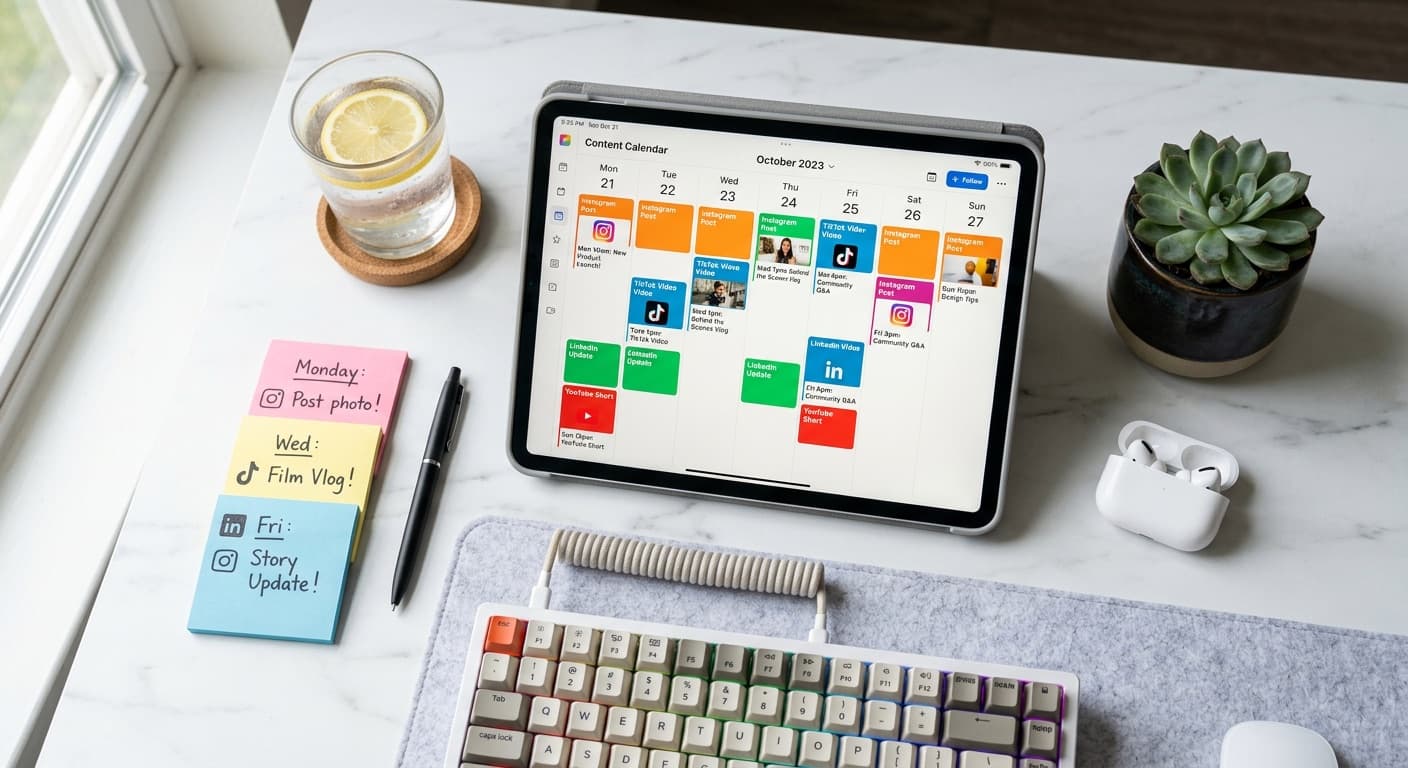
Look at the AI-generated captions for each pin. Adjust anything that sounds off. Check that keywords make sense. Then schedule everything using your planner's calendar view.
For a typical week, you want 15-25 pins distributed across your optimal posting times. Front-load your best products and spread them across different boards.
Step 6: Set Up a Weekly Routine (Ongoing: 1-2 hours/week)
Once your system is set up, your weekly Pinterest routine looks like this:
- Monday (30 min): Upload new product photos, generate AI pin variations, review and select
- Wednesday (30 min): Review scheduled pins for the next week, adjust captions if needed, check that the content mix is varied
- Friday (15 min): Quick analytics check — what's performing, what's not, any pins to pause or boost
That's 75 minutes per week, down from 5-8 hours of manual work.
The Time Savings Math
Let's quantify what automation saves you over a month:
| Task | Manual Time | Automated Time |
|---|---|---|
| Pin design (20/week) | 5 hrs/week | 30 min/week |
| Caption writing | 2 hrs/week | 15 min/week |
| Scheduling | 1 hr/week | 10 min/week |
| Keyword research | 30 min/week | 10 min/week |
| Weekly total | 8.5 hrs | 1 hr 5 min |
| Monthly total | 34 hrs | 4.3 hrs |
That's roughly 30 hours per month back. At even $20/hour (low for the value of your time as a business owner), that's $600/month in reclaimed time. No scheduling tool costs that much.
Common Automation Mistakes
A few things to watch out for:
Don't automate and forget. Check your analytics weekly. Automation without feedback is just scheduled mediocrity. If certain pin styles or keywords aren't performing, adjust.
Don't sacrifice quality for volume. It's tempting to generate 50 AI pins and schedule them all. Resist. Review each pin. Delete the weak ones. Five great pins outperform twenty mediocre ones.
Don't use the same image for every pin. Pinterest's algorithm doesn't like duplicate or near-duplicate images. Make sure your pin variations are genuinely different, not the same photo with different text colors.
Don't ignore seasonal timing. Pinterest users search 2-3 months ahead. Your Christmas pins should be scheduled in September. Your spring collection should be pinned in January. Build this into your automated calendar.
The Right Mindset
Automation isn't about removing yourself from marketing. It's about removing yourself from the repetitive parts so you can focus on the strategic parts. You should still be checking trends, planning seasonal content, and engaging with your community. You just shouldn't be manually resizing images and typing descriptions at 10 PM.
The best Pinterest marketers automate the mechanical work and spend their freed-up time on the creative and strategic work that actually differentiates their brand.
PetalBoard automates the entire Etsy-to-Pinterest workflow — from importing your listings to generating pin images and scheduling them on a visual calendar. Try it free and see how much time you get back.